JING FIELD · WEB BETA 0.5.2
Welcome to the beta
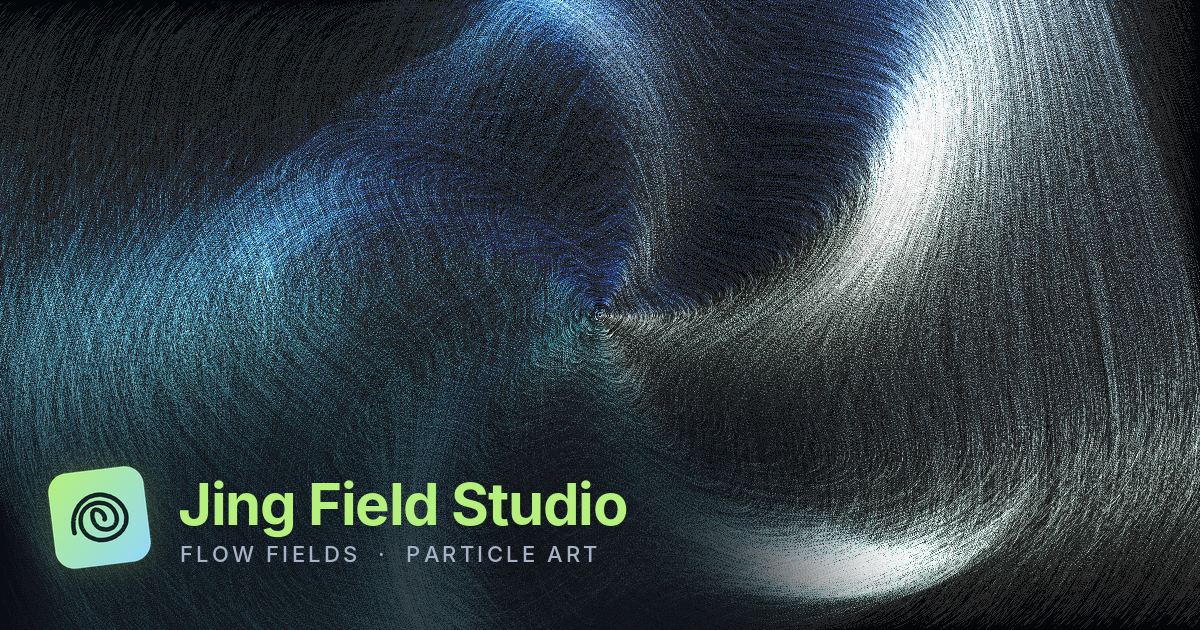
Jing Field Studio turns mathematical flow into particle art. Thousands of particles follow a vector field and their trails draw the picture. The web beta includes 92 fields, sliders found automatically in every formula, slider modulation, and PNG and video export. It runs in your browser; there is nothing to install.
Start exploring
Your first visit opens Nautilus Script with its modulation running. Open Explore to browse the gallery. Choose a collection or search names, shapes and moods. New in v0.5 gathers the 36 newest fields from Optical, Electric and Fluids. Surprise me picks a field at random; Auto explore changes it every 20 seconds. The star keeps a field in Favorites.
Drag the artwork to move around and scroll to zoom. Center the view returns to the field's starting view. Pause freezes the motion, Clear trails wipes the drawing while keeping the particles, and Restart reseeds them.
Shape a field
The Shape tab holds the creative controls. Every number in a field's formula becomes a Field character slider, with no special annotation needed: 1,271 controls across the 92 fields. Find a control filters a long list. Make a variation nudges the character sliders; Reset look returns to the field's starting settings.
The ÷2 and ×2 buttons scale both ends of a slider's range, and zero stays zero: 0–10 becomes 0–5 or 0–20. The value stays put while it fits. Below the character sliders are motion and trails, 14 color palettes, and particle count, rotation, view width and seed.
Modulation
Turn on Mod beside a slider and it starts moving; if modulation is paused, press Resume in Master modulation. The highlighted band shows the modulation range and the thumb follows the live value. The drag gestures are the same as in JingPrism, Jing Structure Studio and Jing CFDG Studio:
| Gesture | Changes |
|---|---|
| Shift + drag | Amount: the width of the band |
| Ctrl + drag | Offset: moves the band's center |
| Right-drag | Speed, in cycles per second |
| Click | Opens the editor: wave shape, smoothing, phase, invert and beat sync |
| Drag | The base value, while modulation continues |
Master speed and Master amount move every lane together. Pause holds the live values; Stop returns to the base values; Keep values makes the live values your new starting point. View width can be modulated for an animated zoom.
Keep your work
Save project downloads a small JSON file with the formula, slider values and ranges, modulation, view and seed. Open loads that file again, or a GLSL text file. Saved modulation opens paused; press Resume to continue.
This browser also remembers your last look and your Favorites for this site. That is a convenience, not a backup: clearing site data or private browsing removes it, and a different browser, device or web address has separate storage. To move work between the offline app and this website, save a project in one and open it in the other.
Images and video
The Export tab sets the render size, from HD to 4K, square, portrait or the window size, then saves a PNG of the artwork alone. Changing the size clears the trails, so let them build again before saving.
Record captures the live canvas at up to 30 frames per second, without audio. The app records WebM where the browser can, and MP4 otherwise. Keep the tab visible while recording. Hide controls (H) and fullscreen (F) give a clean surface for screen capture or streaming.
Write or import a field
Open Shape → Edit field code. A field is one GLSL function that returns the velocity at a point:
vec2 get_velocity(vec2 p) {
  return vec2(-p.y, p.x);
}
Available values include time, phase, motion, frame, cursor and PI, plus the helpers snoise, rand and rotate. Apply code compiles your edit; a failed edit leaves the current field running. Import a FieldPlay link reads the formula from a pasted share link without contacting any website. Fields that need textures, audio or remote includes need adapting first.
Keyboard
| Space | Pause or play |
| H | Hide or show controls |
| F | Fullscreen |
| R | Restart from the current seed |
| ← → | Previous or next field |
| Ctrl S / Ctrl O | Save or open a project |
Browser support and limits
The studio needs WebGL 2 with hardware acceleration. A desktop Chrome, Edge or Firefox is the main target of this beta. Safari and phones can run it with a smaller canvas, but they have not been tested on real devices for this release. Large render sizes and particle counts need more graphics memory; if the motion slows, lower the particle count or the render size. There is no audio input, texture input, or Spout/NDI output.
Offline copy
The same studio is available as one HTML file that needs no internet connection: Jing-Field-Studio-v0.5.2.html. The opening look is also available as a project file: Nautilus-Startup-Project.json.
Report a problem
Send the problem to the person or thread that shared this link: what you did, what you expected, what happened, your browser and a screenshot. Attach a saved project only if you choose to share it. There is no built-in feedback service or automatic upload.