ZzArt Studio · 2.4.0
Welcome to ZzArt Studio
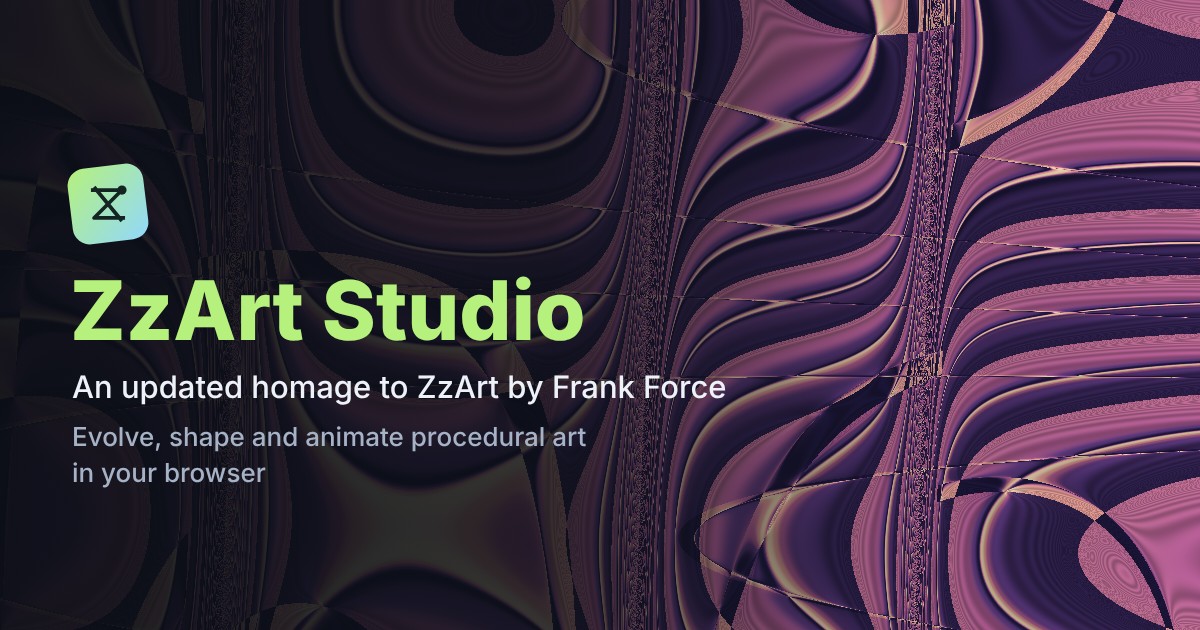
ZzArt Studio grows abstract art the way Frank Force's ZzArt does: every picture is a small math program, and you choose which one evolves next. It keeps the original math and adds direct sliders, modulation, Journey animation and exports. It runs in your browser; there is nothing to install.
Start exploring
Your first visit opens on a Classic ZzArt program. Click a variation under the preview to evolve in that direction, then keep going: a few generations usually find something worth keeping. More variations (E) offers other directions; Explore new ideas (R) starts from a fresh random program, like the original's dice.
Drag the preview to move it, scroll to zoom and double-click to reset the framing. Undo and Redo step back and forward through your choices. Keep (K) adds the artwork to your collection under Saved.
How ZzArt draws
Each artwork is a function of the plane. Every pixel starts with its own position and runs the same short program of 12 to 17 steps. Each step applies one function to the numbers so far and adds, subtracts, multiplies or divides the result back in. The final number picks a color.
- Smooth functions (sin, cos, atan, exp, pow) give curves, swirls and interference bands.
- Jumpy functions (fract, floor, sign, tan, division) give repeating tiles, hard edges, stripes and sudden blow-ups.
- The color step sends the final value through a repeating palette, the cosine palette or the hue wheel, which turns smooth values into contour-like bands.
- Repeats run the program again on its own result, folding the picture back on itself.
Shape it
Genome holds everything Evolve changes. That is the program itself: its repetitions and instructions, with their functions, registers and component order, plus constants, colors and coordinates. Adjust refines the view and palette; Motion animates one artwork in a seamless loop. Double-click any slider to reset it, and use ÷2 and ×2 to scale its range.
Modulation
Press Mod beside a slider to animate it; modulation starts by itself. The Modulation bar at the top of the controls shows whether it is running and has its own Run / Pause button. Click the bar to set speed, depth, tempo, slew and Auto random. On a slider, Shift-drag sets the amount, Ctrl-drag moves the center and right-drag changes the speed.
Journey
Add the current artwork to a Journey with + beside the preview. A Journey animates through its frames: sliders glide from one frame to the next and programs morph between their instructions. Turn on Fade on a frame to dissolve into it instead. Play the Journey from any tab with its playhead under the preview; the Journey tab sets wait time, transition length and easing.
Save and export
Save project downloads a file with the history, Journey and collection, and Open brings it back. Open also reads original ZzArt links and recipes. New starts a fresh project; Undo brings the previous one back.
Export saves a PNG at Full HD, 4K or a custom size up to 8192 pixels; a video or frame sequence with exact timing; or the artwork as GLSL code for Shadertoy, like the original's code view, or as an ISF generator for VJ apps. Live Record captures video while you keep editing.
ZzArt Studio is the Classic ZzArt app of the Jing art apps. JingPrism holds the procedural styles and opens shader files; a project's JingPrism artworks open there.
Shortcuts
| Action | Key |
|---|---|
| New starting point | R |
| More variations | E |
| Play or pause the preview | Space |
| Fullscreen | F |
| Keep in your collection | K |
| Undo / Redo | Ctrl Z / Ctrl Shift Z |
| Save project | Ctrl S |
Browsers and speed
ZzArt Studio draws with WebGL. A current desktop browser with graphics acceleration turned on works best. Rendered video uses the browser's built-in video encoder; where a browser lacks one, Live Record and frame sequences still work. If playback stutters, lower Preview quality under the artwork; exports always render at full size.
Your work is saved in this browser automatically. Use Save project now and then for a copy you control; see Local data.